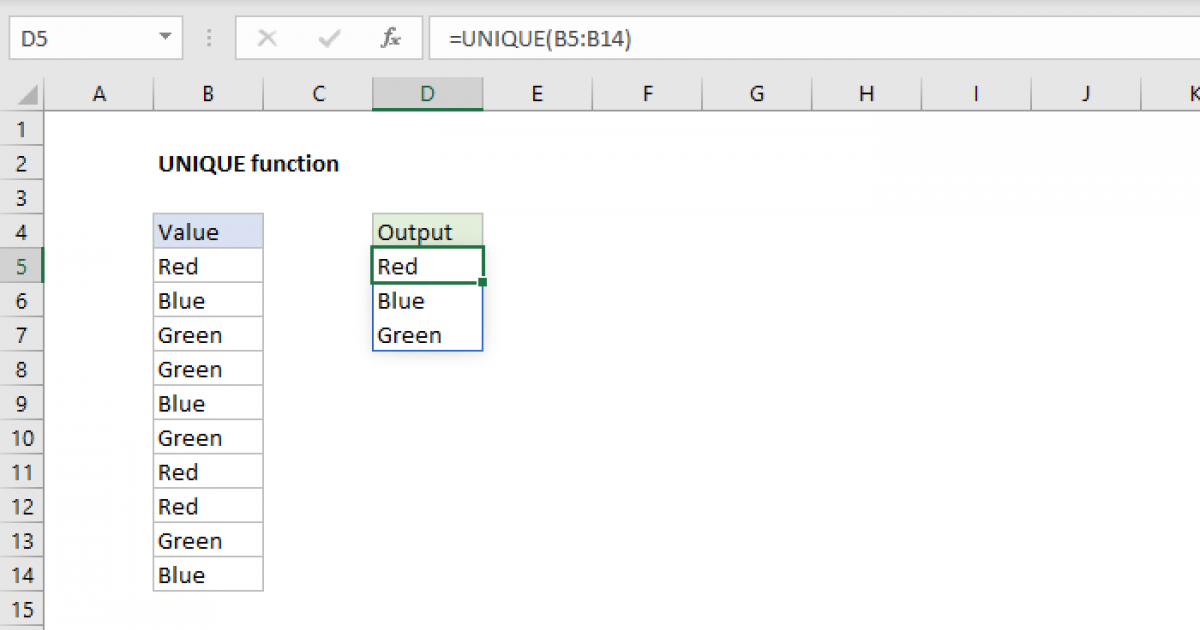
The Excel UNIQUE function extracts unique values from a range or array. The result is a dynamic array that automatically updates when source data changes. UNIQUE is not case-sensitive and works with t
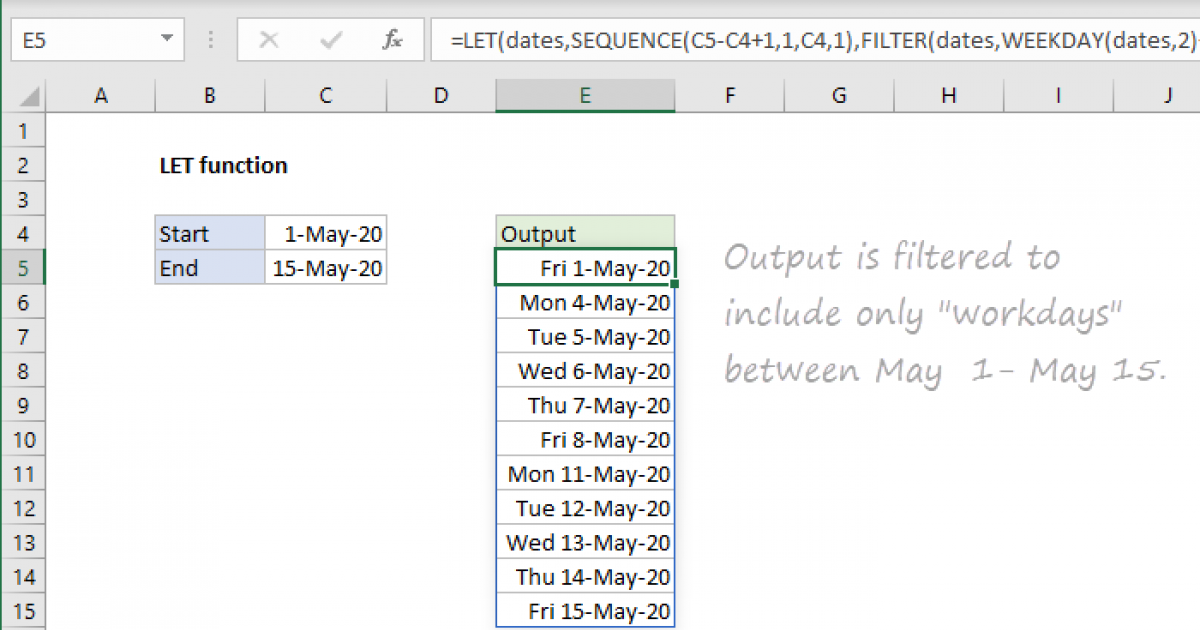
The Excel LET function lets you define named variables in a formula. There are two primary reasons you might want to do this: (1) to improve performance by eliminating redundant calculations and (2) t
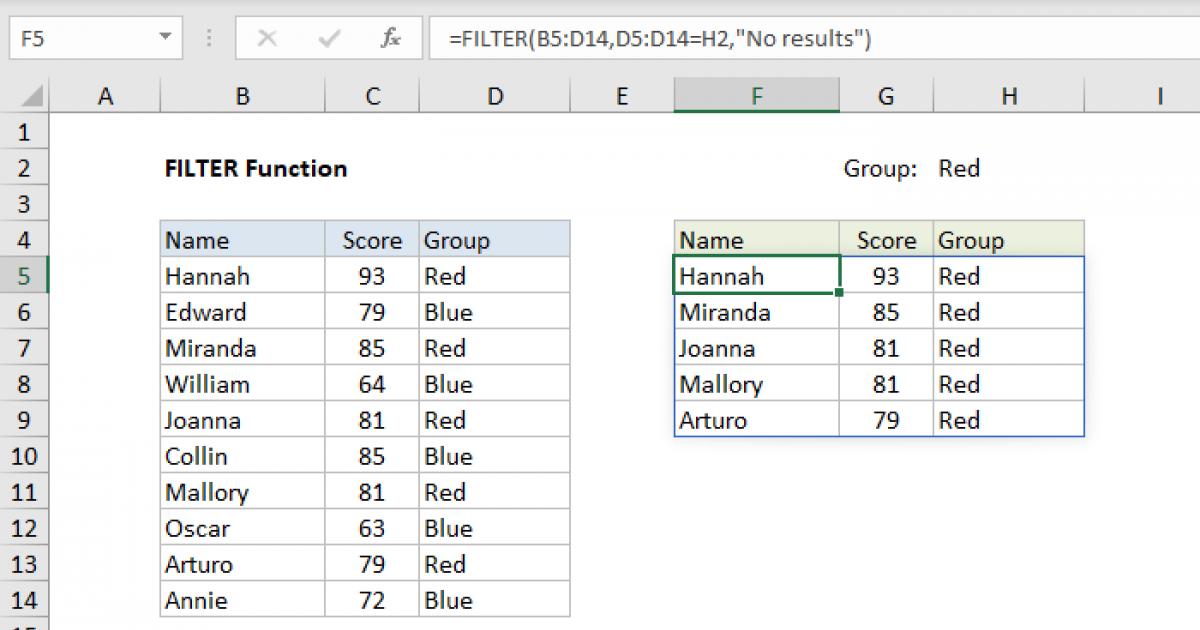
The Excel FILTER function is used to extract matching values from data based on one or more conditions. The output from FILTER is dynamic. If source data or criteria change, FILTER will return a new s
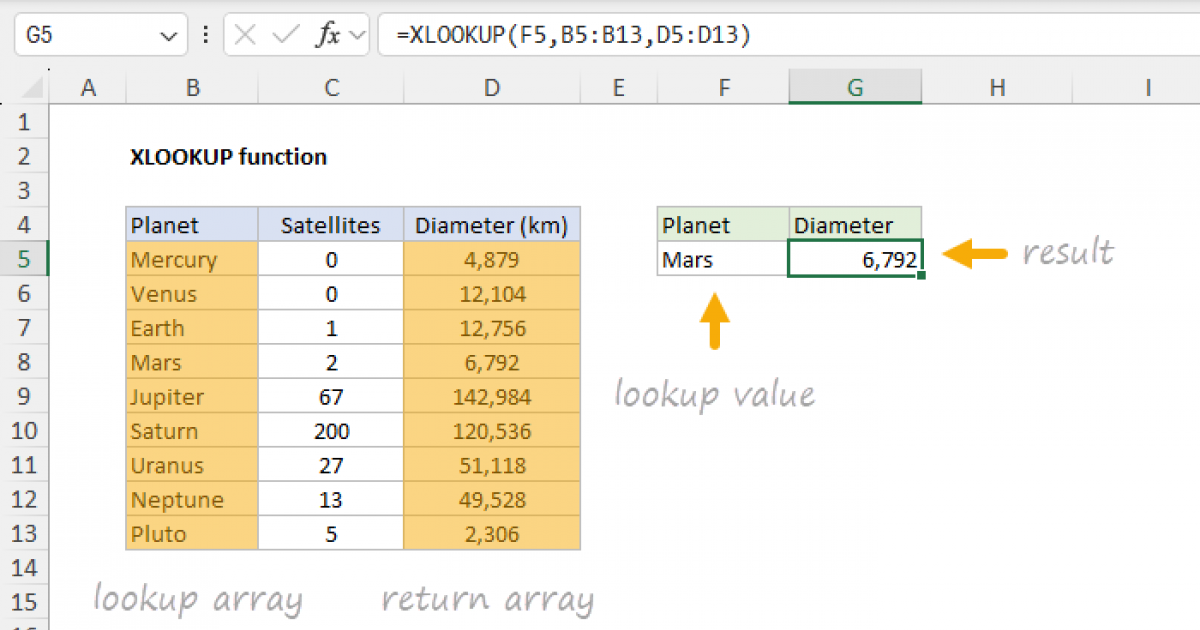
The Excel XLOOKUP function is a powerful tool designed to look up a value in one range and return a corresponding value in another range — it supports approximate and exact matching, wildcards, regula
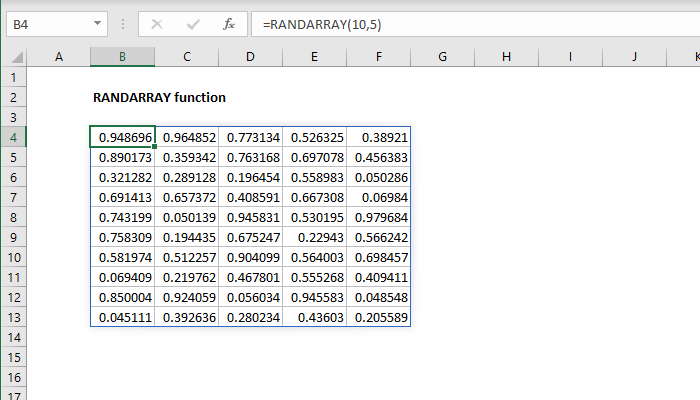
The Excel RANDARRAY function generates an array of random numbers between two values. The size or the array is specified by rows and columns arguments. The generated values can be either decimals or w
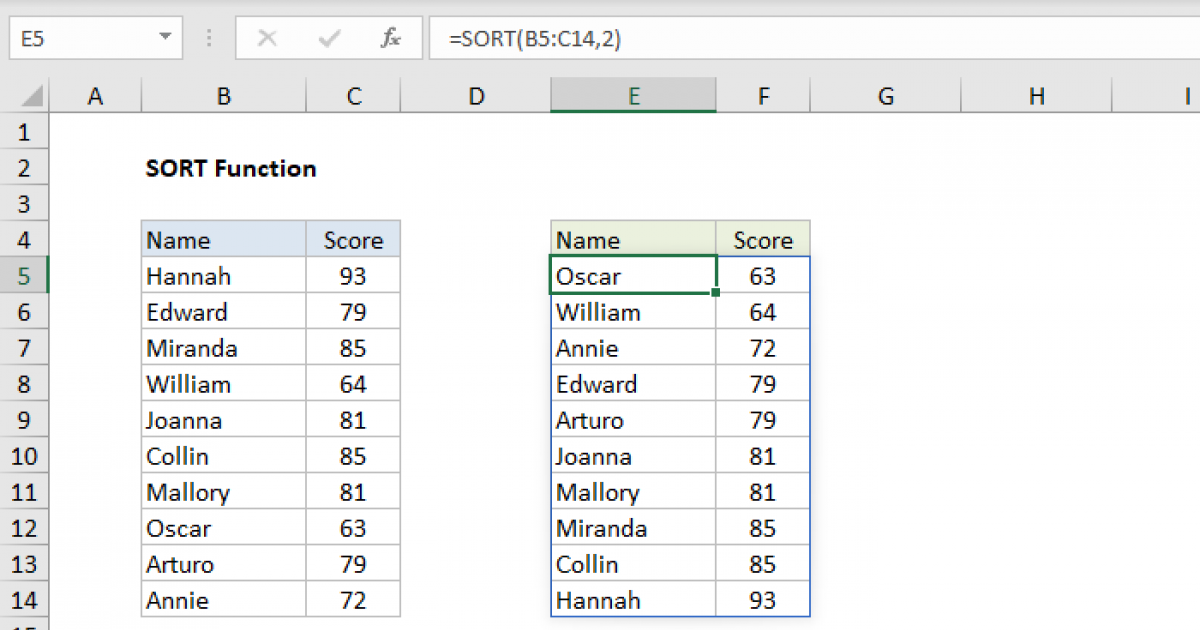
The Excel SORT function sorts the contents of a range or array in ascending or descending order. Values can be sorted by one or more columns. SORT returns a dynamic array of results.