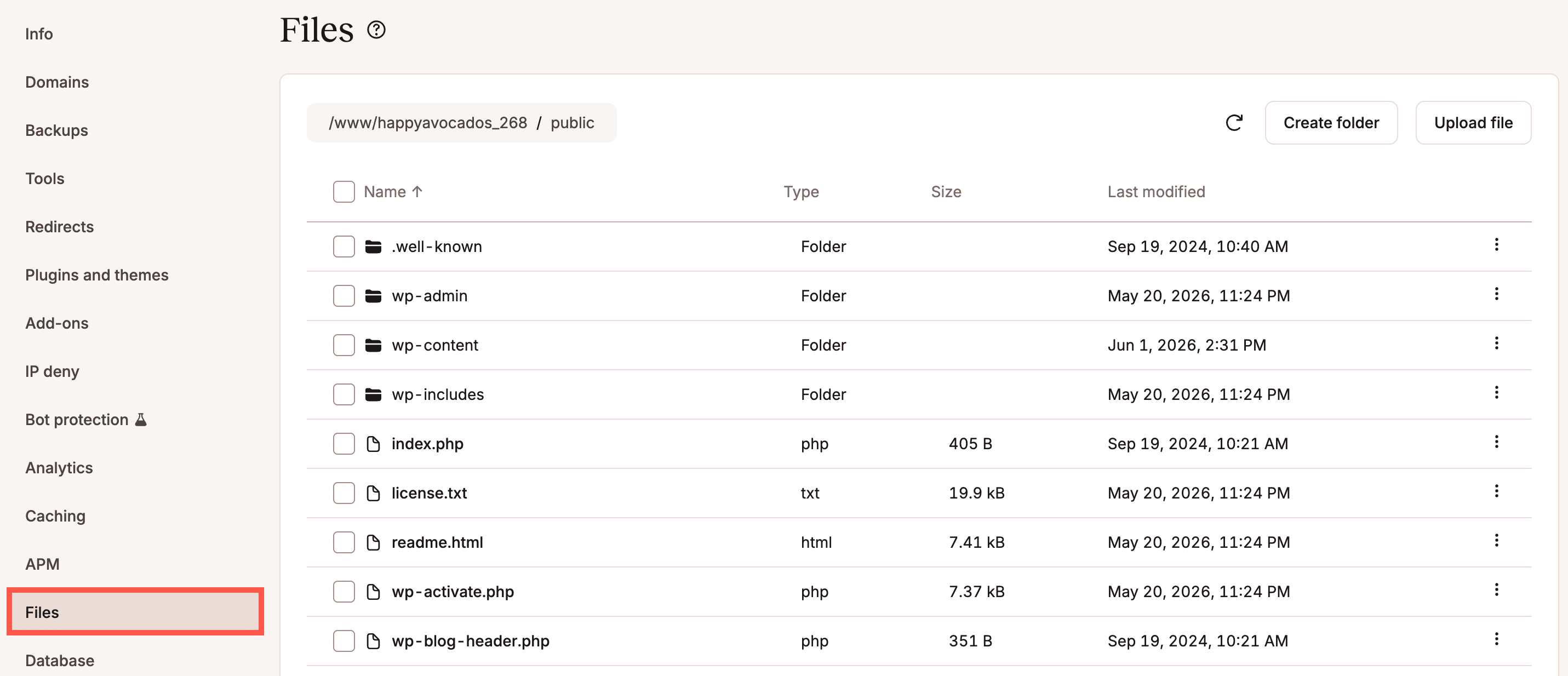
Learn how to manage your WordPress files and folders directly within the MyKinsta dashboard without needing to connect via SFTP.
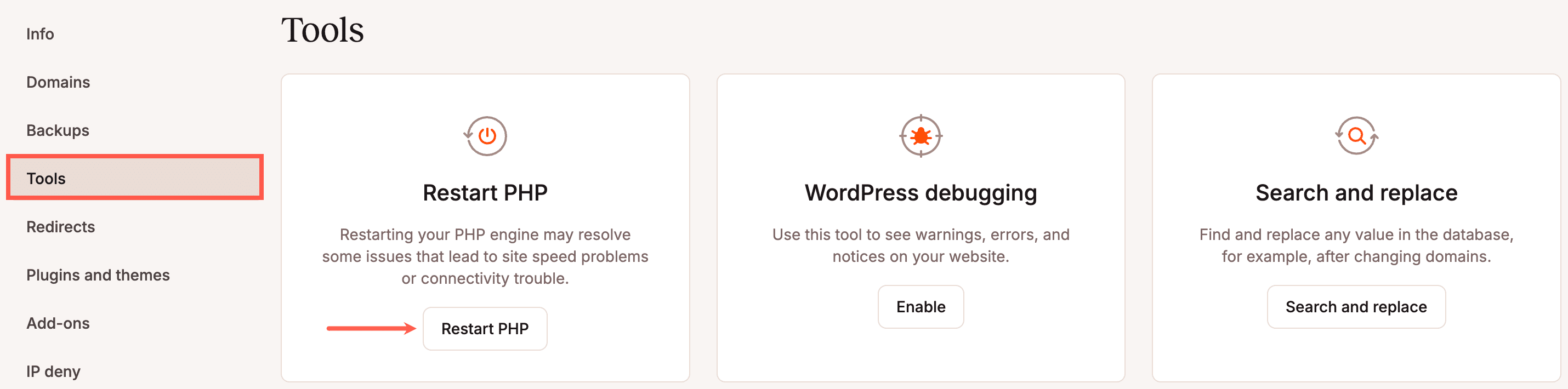
Find out how to manually restart PHP or update your PHP version for your site hosted on Kinsta.
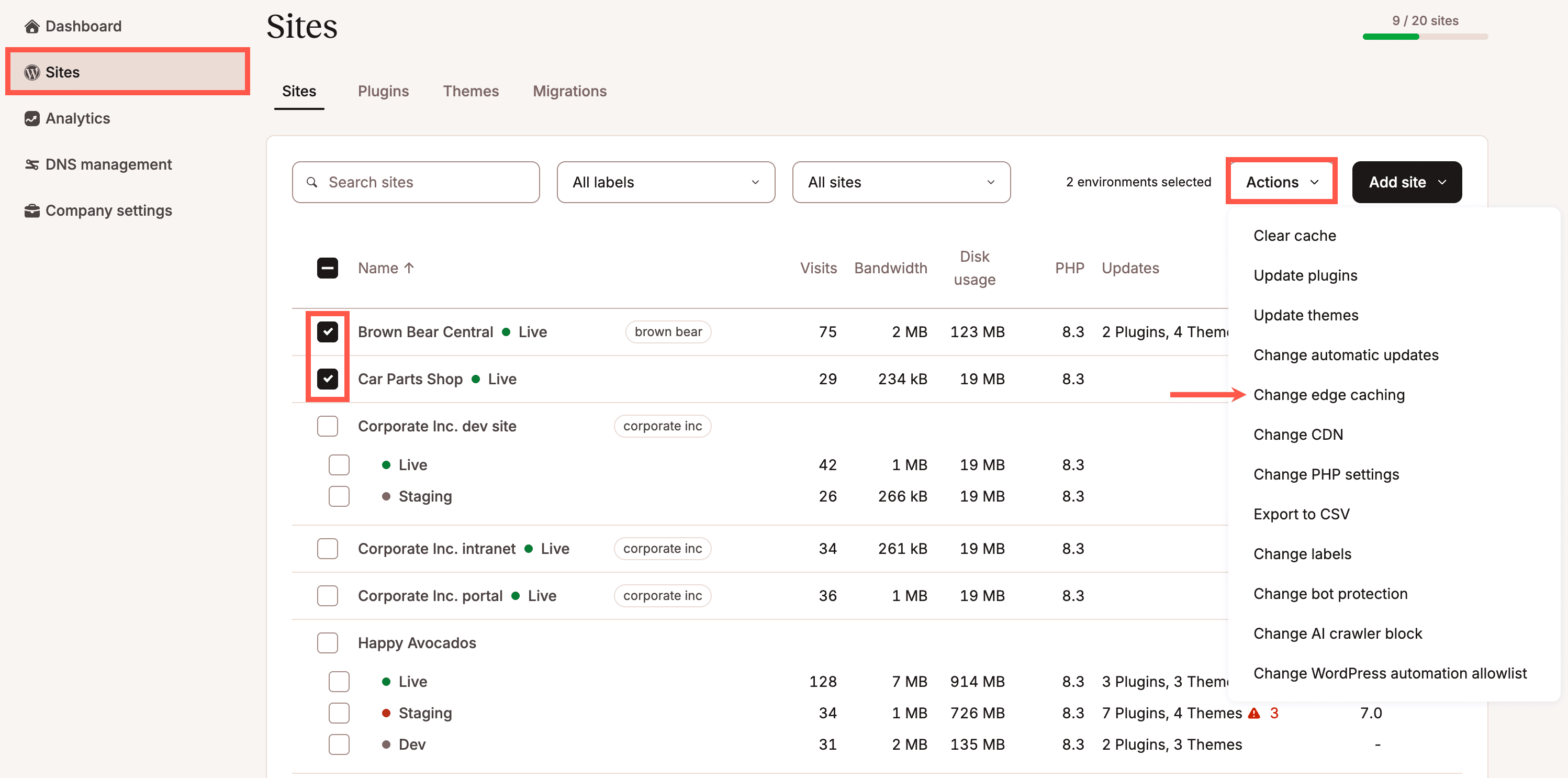
Edge Caching serves your site cache from Cloudflare’s global network of data centers. Find out how to enable Edge Caching in MyKinsta.
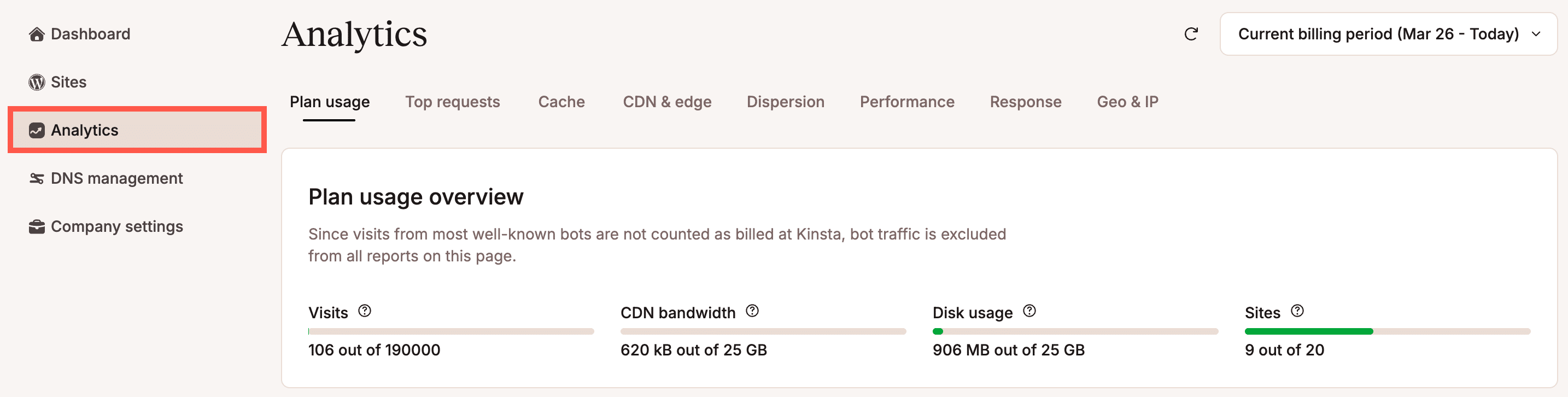
WordPress Analytics in MyKinsta can help you analyze your site. The reports include everything from resource usage, performance monitoring, and even security.
Kinsta’s REST API (Application Programming Interface) let's you efficiently access and interact with your Kinsta account and projects.
Find out which PHP modules are installed by default for your site hosted on Kinsta.
In these guides, get information about accessing, backing up, restoring, and troubleshooting your WordPress database at Kinsta.
Find out how to manage your user account and notifications for MyKinsta, including how to set up SSO and 2FA and how to reset your password.